

Steps to setup Codespaces
- Go to upstream Activepieces repository.
-
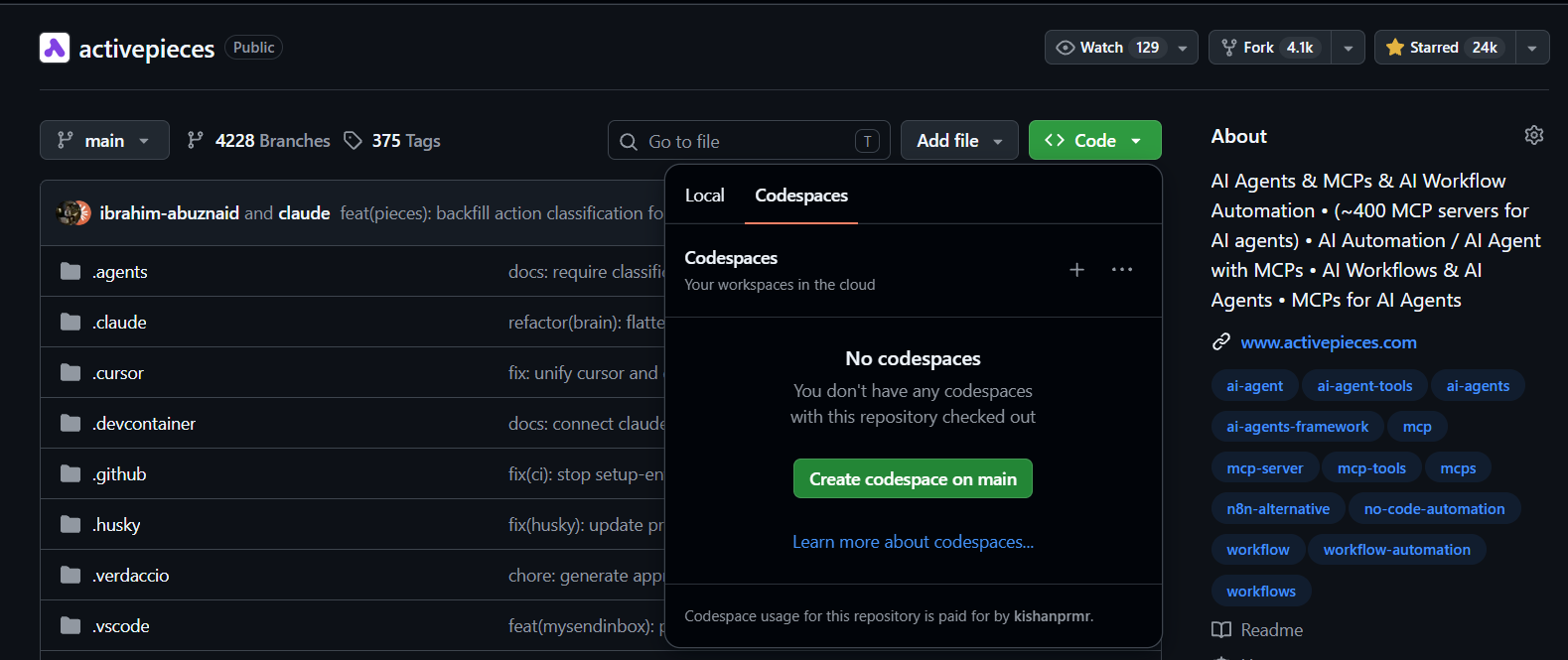
Click Code
<>, then under codespaces click create codespace on main.
By default, the development setup only builds specific pieces.Open the file
.env.dev and add comma-separated list of pieces to make
available.For more details, check out the Piece Development section.-
Open the terminal and run
npm start - Use the frontend URL and synthetic development account documented by the chosen source setup. Do not treat upstream demo credentials as a Sydekyks customer account.