

Start here
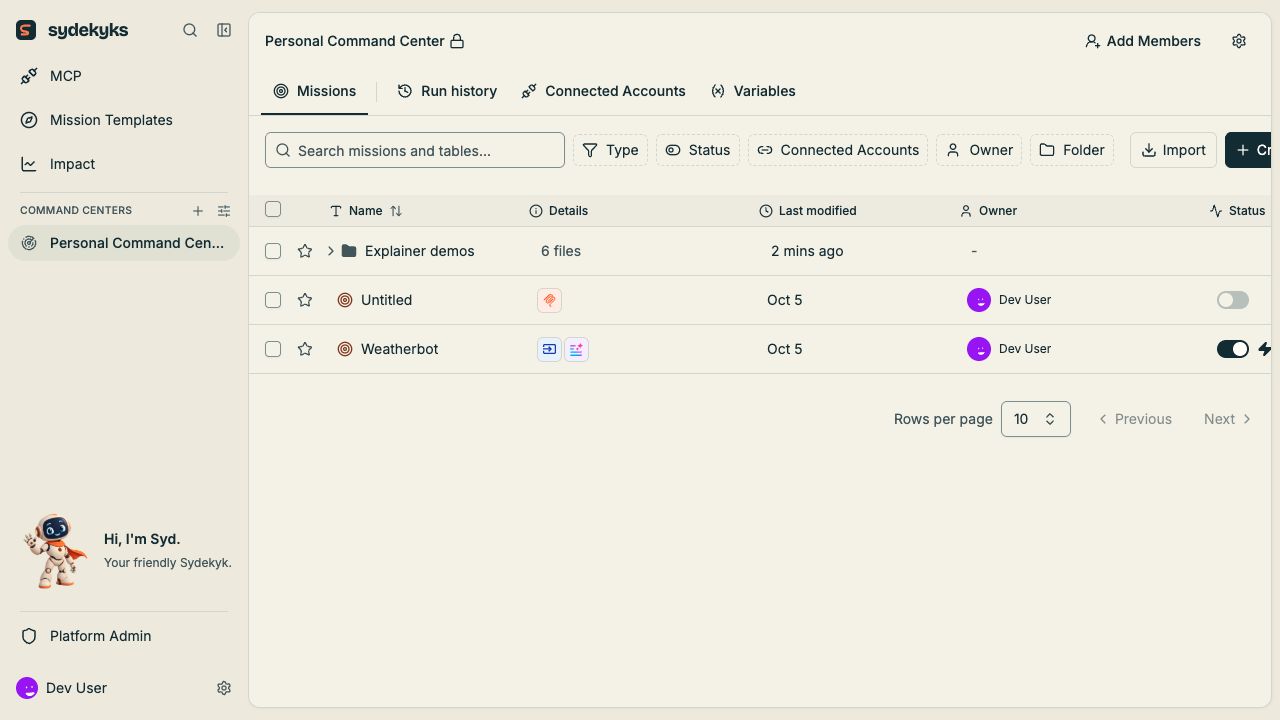
If you do not have a workspace yet, install Sydekyks for free. Every available feature is included without activation or a trial period. You can also arrange optional hosting, support or setup.- Find your way around.
- Explore Gadgets and integrations, then connect an app account.
- Build your first mission.
- Test and inspect the result.
- Publish and monitor it.
Find the right instructions
Product language
The current interface groups workflows under Missions and uses Command Centers, Connected Accounts, Run history, Variables, Mission Templates, and MCP. Technical references keep the underlying namesflow, project, piece, and app-connection because those names appear in code and APIs.
Use the glossary when moving between the interface and a technical reference. Check feature availability before following instructions for an optional capability.