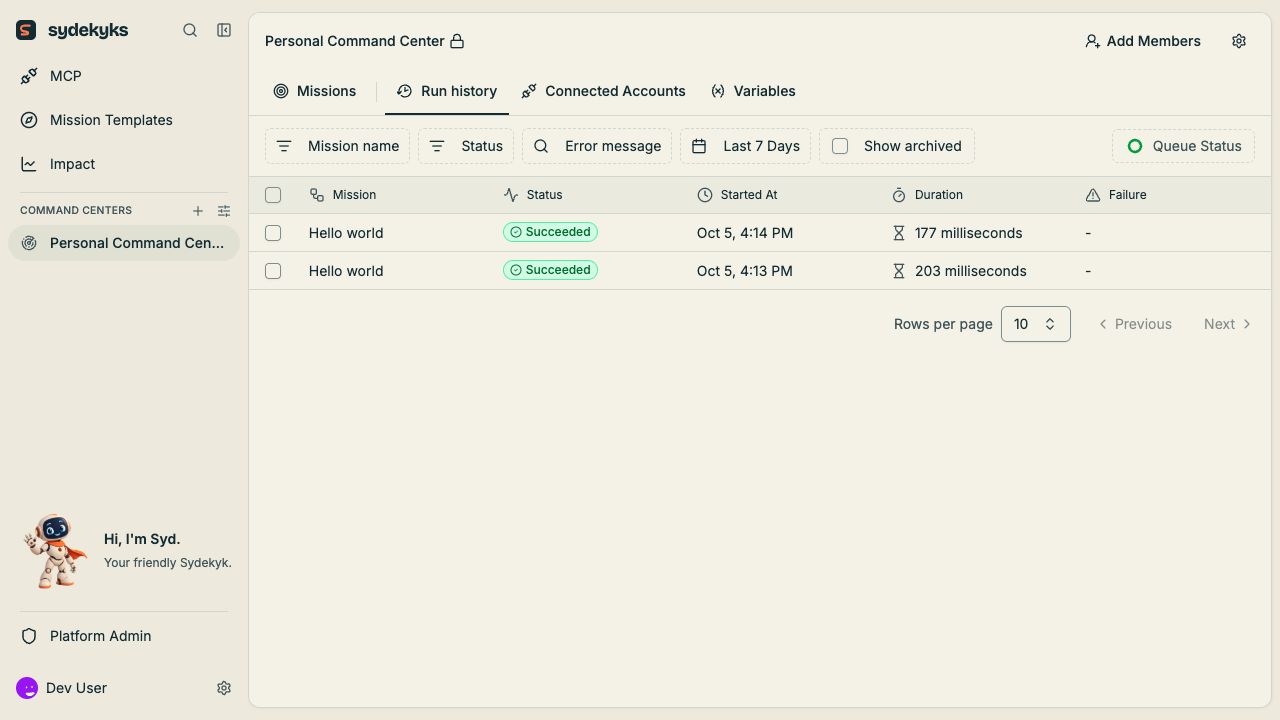

Read the run
Check the mission name, start time, status, duration and version. Select a step to compare its resolved input with its output. A successful step means its operation completed; it does not establish that the business result is correct.Fix the cause
- Identify whether the problem is configuration, input data, account access or an external service.
- Edit the draft or reconnect the account as appropriate.
- Test with the failing sample and one normal sample.
- Publish the reviewed change if live runs need the new configuration.
- Inspect the next run.
Retry deliberately
A retry can repeat external side effects. Inspect which writes or sends already succeeded before retrying a failed run. Use an idempotency key or a lookup-before-create rule when the provider supports it. See retries and duplicate events.Limits of run history
Logs can truncate inputs, offload outputs, or expire according to deployment retention. They are operational debugging records, not a complete customer-document archive or administrative audit system. Preserve required business evidence in the intended system. See limits.